Plugins
Note
To start using a plugin, you need to set it up first. Navigate to (Plugin Entries) to configure your first plugin
Navigate to the plugins page using the “Dashboard” tab at the bottom of the page Once you have at least one plugin configured you will see a list of installed plugins as shown below
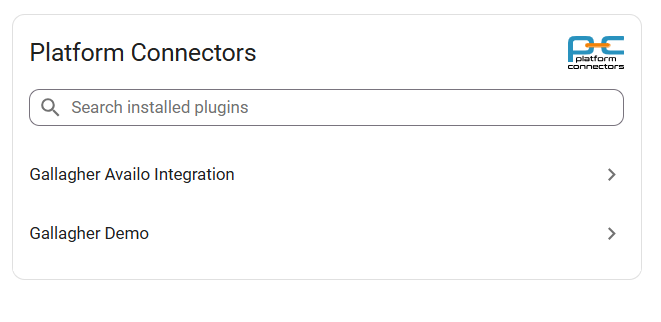
Click on the plugin item to open the plugin view. You can use the search field to search for the plugin by name
Available plugins
Select a plugin to see details, licensing, and configuration steps.